Fresh off the NAS
What's new in NAS Wildcard.
Build 13: share links, a download queue, and archives from 1994
Share links (Synology)
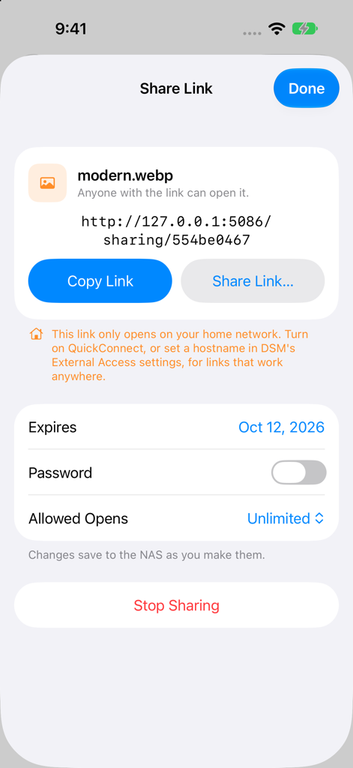
Share Link… makes a DSM share link for a file or folder, right under Share… in the menu. You can set when it expires, add a password and limit how many times it opens, and changes save to the NAS as you make them. Get Info shows whether a file is shared, and a Shared Links list above your shares lets you review links and stop sharing them. If a link would only work on your home network, the app says so.
A real download queue
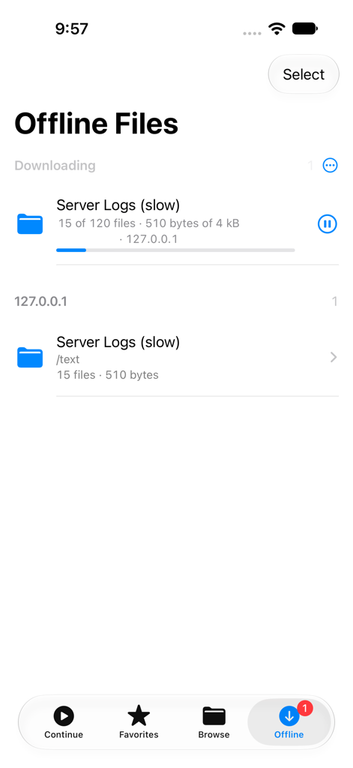
Offline now opens with a Downloading list. A folder is one entry, and you can pause, resume, cancel, retry, reorder, or tap Download Next to move one up. Downloads keep going in the background, and the tab shows a badge while they run. Folders you download stay folders, and Offline and Favorites both have Select for doing several at once.
More archives
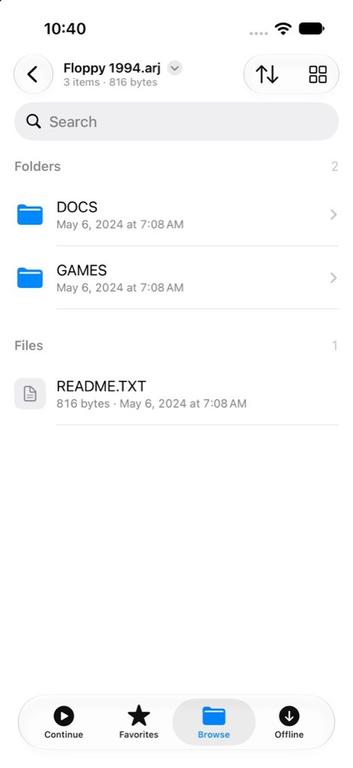
ARJ, ARC and ZOO archives now open as folders, through readers written for this app and tested against 529 real archives from archive.org. So do LHA, Cabinet, XAR and .pkg, cpio, .deb, RPM, and tarballs compressed with zstd, lz4, gzip, bzip2 or xz.
Reading
- A folder or zip of numbered images can be read as a comic. A tip suggests it, and it gets a place in Continue.
- Big text files open through a 32 MB window, with Jump to Start and Jump to End, and log files open at the end.
- Files without a known extension open in the text reader when they turn out to be text.
- A flick of a webtoon strip glides to a stop instead of stopping dead.
Fixes
- The audio player keeps the last track’s title and cover until the next one’s are ready, so the cover no longer jumps between tracks.
- Coming back from Picture in Picture skips Face ID and goes straight to the player.
- The Files app follows the app’s Face ID lock instead of hiding your NAS.
Build 12: tabs, and your NAS in the Files app NAS Wildcard
Your NAS in the Files app
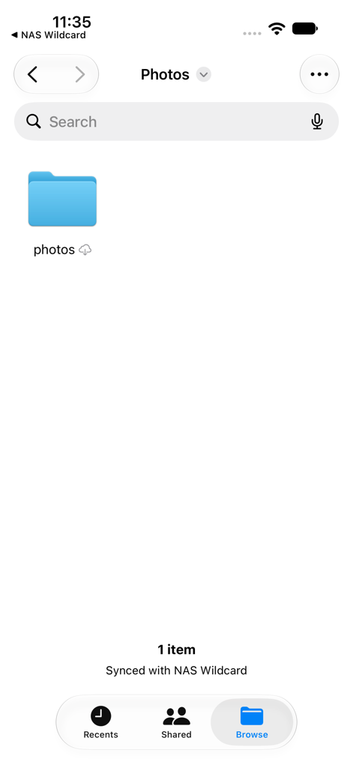
Saved servers now show up in Apple’s Files app under Locations. You can open files from your NAS in any app that uses the Files picker, and archives and disk images show up there as folders.
Tabs
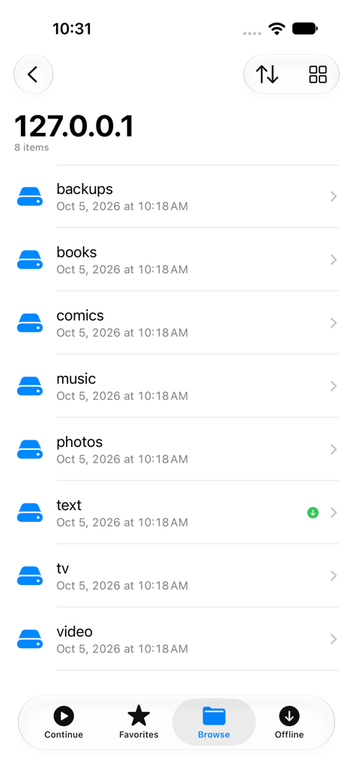
Continue, Favorites, Browse and Offline now each have their own tab, so your shares stay at the top of Browse instead of under a pile of recent files.
Smaller changes
- Face ID now locks the whole app instead of each server, so there’s one lock to set up.
- A folder’s download ring shows the progress of the whole folder.
- Next and Previous in a file opened from search results go through the results, not the folder it’s in.
- A playlist that starts with a video plays on through its music and videos.
- Long paths in Get Info wrap after slashes instead of getting cut off.
- The player stays black while Picture in Picture hands the video back, with no white flash.
Build 11: a better comic reader NAS Wildcard
Most of this build went into the comic reader, plus a batch of fixes from the first round of beta testing.
Comics
- Two-page spreads. Turn an iPad (or a big iPhone) sideways and pages show in pairs, like a printed book. The cover stays on its own, and a wide page that’s already a spread isn’t split.
- Vertical scrolling for webtoons. Pick Vertical as the reading direction and the whole comic becomes one long strip.
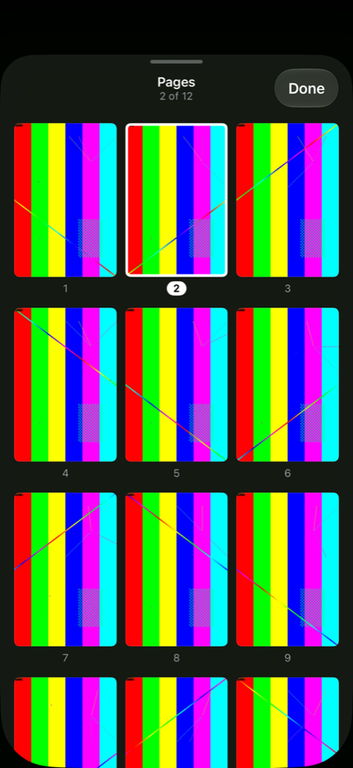
- Page grid. Tap the grid button to see every page at once and jump straight to one.
- The page slider no longer buzzes with haptic ticks while you drag it.

Video and audio
- Picture in Picture starts when you leave the app during a video, and coming back from it keeps playing.
- You can scrub by dragging anywhere on the bar, not just the thumb.
- Next and Previous now move between cue-sheet chapters.
- The subtitle menu’s On option works on the first tap.
Photos
- Slideshows have a duration menu, keep playing when you tap the screen, and have a Play/Pause button.
- The photo info popover fits its rows and no longer has a light rim in dark mode.
Fixes
- Get Info adds up folder sizes on Synology again, instead of failing with error 599.
- A large folder you make available offline keeps going after you leave its screen, and shows that it’s still being listed.
- A long CSV table no longer stalls on the first swipe.
- Unlocking with Face ID fades into a file list that’s already laid out.